
Introduction to Project

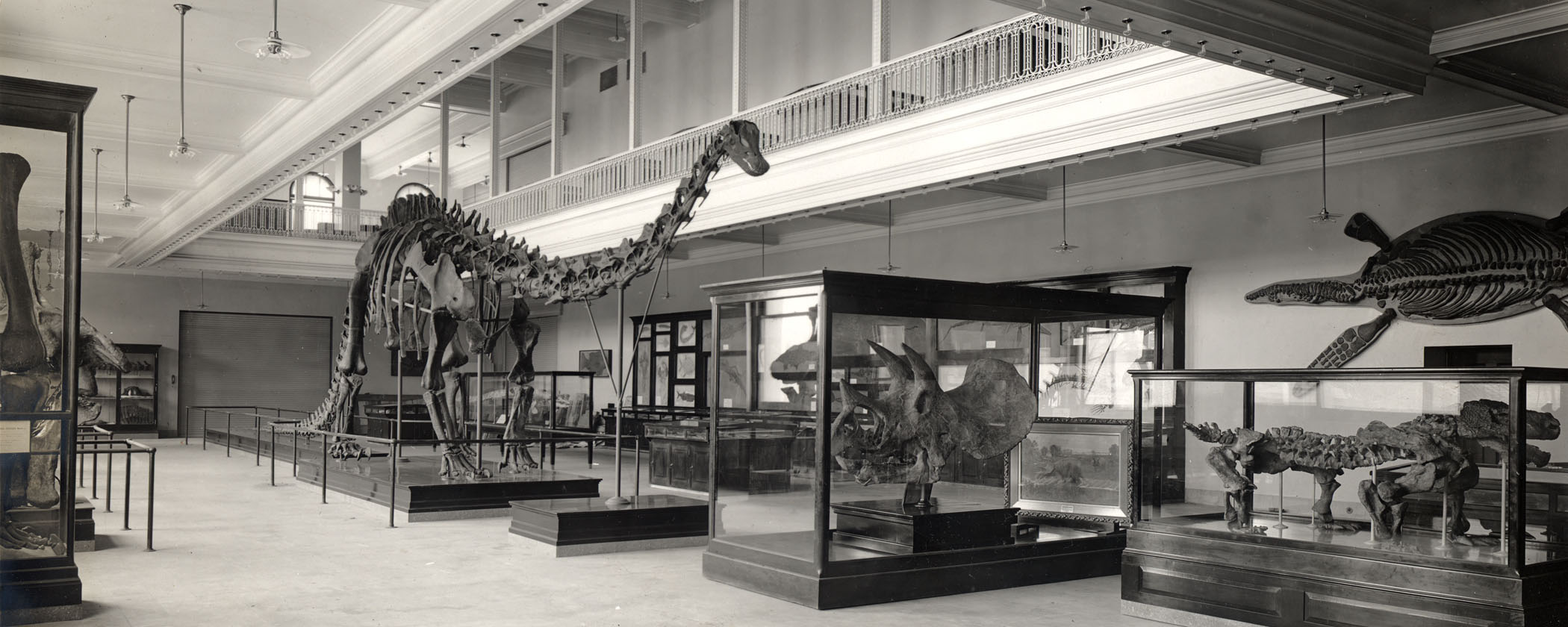
The primary team project for the semester will be the construction a "museum exhibit" in a medium of your choice (a poster, video, pamphlet, board game, children's book, or other creative format) that describes and explains some group of fossil organisms, important fossil site, event of Earth history, or other paleontology topic. These exhibits will be shown online on the course website (the exact format will vary based on the medium you chose), and available for other students and visitors to the site. As years go by, the "museum" will expand as classes add new topics to the galleries.

By the end of the project your team will produce two final deliverable graded items:


Make It Understandable

Let us address this before the nitty-gritty details: your goal is to create the version of a natural history museum exhibit or similar creative outreach project. As such, you must not assume your audience has your knowledge of the subject matter. You need to provide them with the most important, basic information right up front. The rest of the information should flow from that. I strongly encourage you to show drafts to friends and family who are not in the course, to see if it makes sense.

Additionally, keep in mind that making it understandable requires that YOU understand it. Don't put on text just because you read it; make sure you know what that text means and why it would be important to include it.

There are several steps for this project to get there. The first one is meeting with your team:


Step One - Team Formation and Contract

You will create teams of 3-4 people from your section. Everyone in the team must do SOME comparable job (although you will likely divvy up the jobs: more about that below).

Once you know what your team is, you should plan on meeting with your group, and exchange information about how you will divvy up your tasks. (Your meetings can be in-person, or virtual, depending on your team's decision. To help coordinate this, you will fill out a team contract, sign it, and send it to the other members of the team. Once each person has signed this, one member of the team should upload a scanned copy to ELMS on April 13.


Step Two - Your Topic

Each of your teams will select one of the options from the list provided on ELMS by Dr. Holtz. Only one team can claim each topic. (Note: if you come up with a different idea you really want to do, please contact Dr. Holtz to see if he approves it.)

The virtual Museum of the Fossil Record is be divided into multiple "galleries" (these are Cenozoic, Mesozoic, Paleozoic, Precambrian, and Paleontology in Culture galleries.) Each topic fits into one of these categories: depending on the category, the kind of information that will go on your display will be different. Here are the different categories:


Step Three - Research and Assemble Your Sources

You need to research the background of your subject. Some of your best initial sources are Wikipedia (since these pages provide information about the ACTUAL sources), paleontology blogs, and recent review papers on the topic. However, for paleontology blogs in particular please note that there are sites by non-professionals and fringe researchers promoting their own idiosyncratic ideas that might not match up with our best knowledge of ancient life: when in doubt, check with Dr. Holtz about your sources. You might want to see if PBS Eons, SciShow, or other short documentary web series might say about the topic. In the case of Paleontology and Culture, news reports might also be an important source (particularly with regard to questions about the resolution of legal disputes.)

The best database for searching the peer-reviewed literature is Google Scholar. It is free; it is accessible everywhere; it has a vast reach into the literature. However, it is Google, so do NOT feel obliged to use the very first hit on the search: that may not be the best one!! Indeed, you probably want to check out a variety of papers.

(Dr. Holtz will indicate significant papers or websites to get you started on the topic sign-up sheet. However, this is not like the individual platform presentations: you are creating an exhibit about a topic, no about a particular single paper.)

By the way, when you are off campus and want to access a paper to a journal to which the University has a subscription, you can install the "Reload@UMCP" button on your web browser: check out the Library's page about the Reload@UMCP button for more details.

You may want to divvy up the papers among all the members of your team, then pool your information together.


Step Four - Assembling Your Exhibit

As mentioned above, your exhibit consists of the exhibit itself (whose medium might vary) and a pdf of your bibliographic resources.

Your exhibit, regardless of medium, should include certain elements: Title; Class, Section, and Year indicators; List of Contributor names (including last names: you are at the University).

As you work together, think about the information (pictures and text) you will need to convey the details you are expected to describe. Consider that museum exhibits are inherently VISUAL media: focus on graphics to illustrate your topic (pictures of fossils and reconstructions; maps; charts; etc.) with sufficient text to explain it. We encourage the use of images, charts, and other graphics, keeping in mind at all times University regulations about plagiarism, proper citations, etc. Each and every such item must be properly referenced: at minimum, we expect to see a small caption from the source on the page. We most DEFINITELY expect to see illustrations when you are explaining taxa or fossil sites, and to see the graphics used in the analyses.

You will discover that you have less space to convey the information that you want to say than you think. Do not pad your text unnecessarily. In fact, you may want to use bulleted lists or "call out" text rather than full paragraphs in some cases.

Consider that your exhibit is the equivalent of a major term paper, and is held up to the same academic standards. Thus, we expect:

You will not have to have the full bibliography as part of your exhibit: it is a separate document. So use a condensed form of citation. (Recall how you did this in your individual paper presentations).

Some observations and comments:

It is important to divide up your responsibilities clearly in the project (for examples, maybe giving each person some subtopic to research and/or present; or some people writing responsibilities, others graphics/illustrations, still other general editors; whatever works for you.)

As you can see, this will take a fair amount of work.

ABSO-FRIGGIN-LUTELY do NOT put this off until the last minute (i.e., the night or weekend before it is due), because there is no reasonable way you will do a decent job on it in that case, and you will sink together collectively. In fact, you have time in Discussion Sections to work on developing your project.

A draft of your exhibit is due on ELMS by midnight April 27. (If you are planning a video presentation, this could be [for instance] a PowerPoint of your plans for the video.) Only one member of your team needs to upload the draft. Dr. Holtz will review these and give you suggestions for changes.

The final version is submitted in a format as an appropriate on ELMS by presentation time (10:30 am) on May 12. Please do not submit URL links to Google slides and such: download your Google Slides as a pdf. Similarly, submit PowerPoint slide decks as pdfs (use the "Save As..." option in the PowerPoint menu.) Dr. Holtz will mount these on the "Museum of the Fossil Record" on the main website soon afterwards.


Step Five - Assembling Your Bibliography

You should create a second document: the bibliography of resources used in creating your exhibit. The bibliography should list all the resources you used to research your topic as well as the sources of your graphics. Make sure to use the GEOL204 Bibliographic Style if you want to get full credit for this.

A draft of the bibliography/resource list is due on ELMS by midnight April 27. Only one member of your team needs to upload the draft. Dr. Holtz will review these and give you suggestions for changes.

The final version is submitted as pdf files on ELMS by presentation time (10:30 am) on May 12. Dr. Holtz will mount these on "Museum of the Fossil Record" website soon afterwards. If appropriate, the bibliography can be made the final page(s) of your presentation assignment if that works logistically (for instance, if your final Presentation submission is a pdf of a PowerPoint slide deck.)

The grade for the Bibliography is part of the grade for the main presentation.


Step Six - The Team Project Showcase

In lieu of a Final Exam, your class will have a group showcase of the Team Project during the scheduled Final Exam time: May 12, 10:30 am-12:30 pm in the classroom TWS 0320. Each time will briefly show off your material: expect to have about 4-5 minutes or so (we'll know specifically once the teams are assembled.) For those teams which did a static visual display (a poster, for instance), we'll project those on the screens when you present them; similarly you'll project on the screen if you choose a video route.

NOTE: You are required to be in person for this, barring the types of excuses recognized by the University. Please make arrangements accordingly.

During the presentations, a subset of your classmates will be tasked with evaluating your team's project. These will be turned in at the end of the session, and will be averaged to provide one of your grades.

Dr. Holtz will evaluate your full projects including the bibliography to score his grades for it.

We hope to see you use your creativity for these projects, as well as your knowledge. In fact, we will be granting extra credit for particularly creative project designs! If you have any questions along the way, please contact Dr. Holtz.